

Having Trouble Remembering Medications? Start Here
When life gets busy, it’s easy to forget a daily medication now and then. But if it happens too often, it can affect how well your treatment works.
Taking your medication is about building reliable habits, not perfection. The right tools and a supportive care team can help. From medication reminder boxes to online prescription refills, try these simple strategies to stay on track.
Ways to Remember Your Daily Meds
If you find yourself missing or questioning doses often, talk with your healthcare professional. They can help identify barriers, adjust timing, or suggest strategies that fit your routine.
To help you stay consistent, try these tools to make your medication part of your daily routine:
- Pair it with another habit. Take your medication when you brush your teeth, make your morning coffee, or feed the pets.
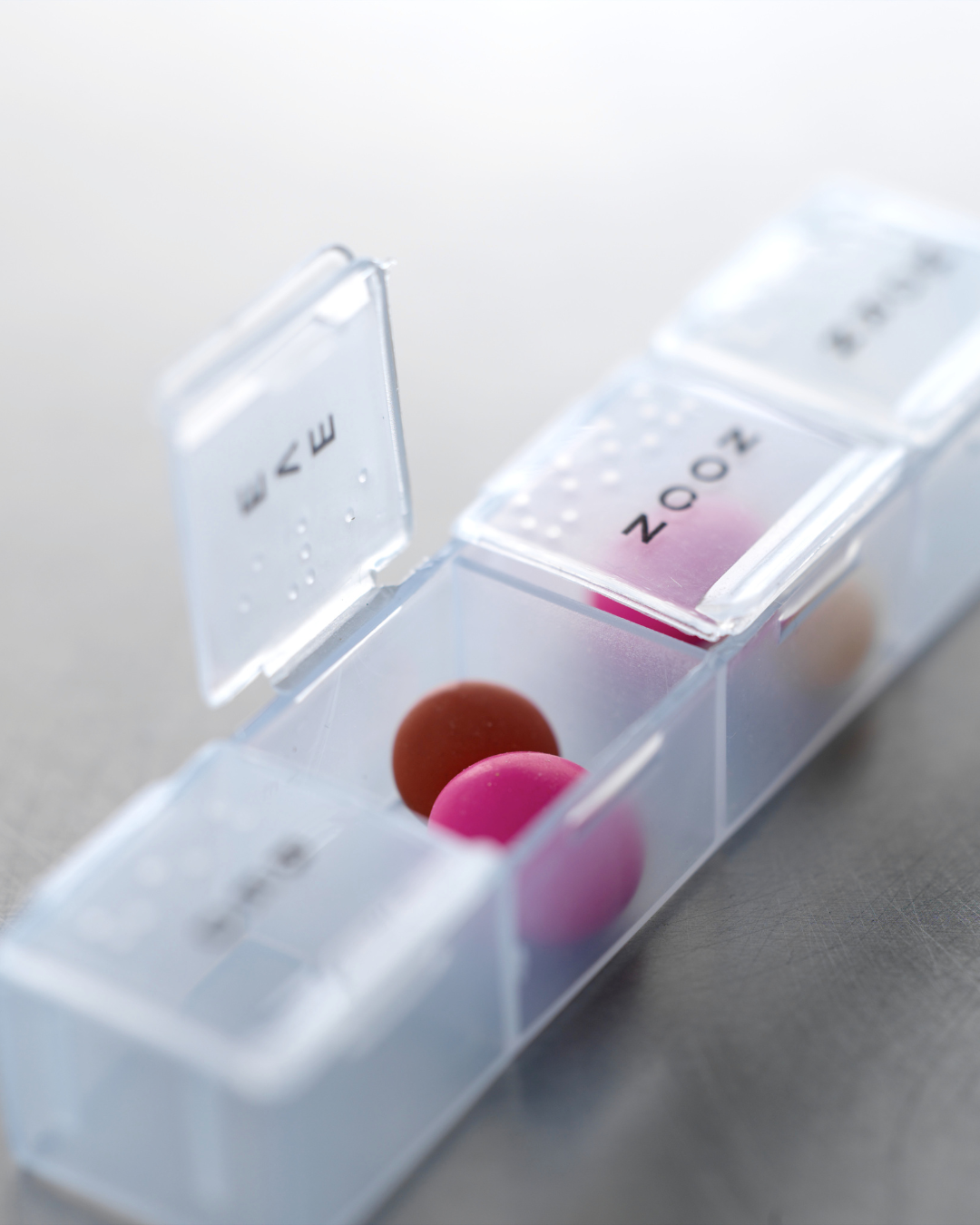
- Use a pill reminder box. These small organizers have separate compartments for each day and time of day. This helps you see whether you’ve taken your dose.
- Set alerts on your phone. Set alerts on your phone. Use the MyChart To Do feature to receive reminders at the same time each day so you don’t have to rely on memory — and our pharmacy team can help you set it up when you pick up your prescriptions at a UR Medicine Pharmacy.
- Ask your pharmacist about UR Medicine Pharmacy’s medication adherence packaging. Medication adherence means taking your medication as prescribed or sticking to your medication schedule. Your doses arrive pre-sorted into clearly labeled packets for each day and time, so you can easily see what to take next.
- Track your doses on paper or digitally. A wall calendar or checklist makes it easy to confirm you’ve taken today’s dose.
If you ever realize you may have missed or doubled a dose, call your pharmacy or prescribing provider before taking any additional medication.
When You Realize You’re Out of Rx Refills
Running out of medication can make your treatment less effective or cause symptoms to return.
If you’ve already run out or need a medication sooner:
- Request a new refill via MyChart
- Send a message to your care team in MyChart, or
- Call your UR Medicine Pharmacy directly (phone numbers and hours are listed in the app).
Your pharmacist can help you request a refill, contact your provider for approval, or find another short-term solution if needed.
How to Stay Ahead Next Time
- Request refills in MyChart. Manage your prescriptions safely from your phone or computer.
- Ask about automatic refills. This free service refills your prescriptions before you run out and sends a message when they’re ready for pickup or delivery. Automatic refills, also called auto-refill enrollment, are an easy way to stay consistent, especially for long-term medications.
- Use UR Medicine Pharmacy’s free next-day delivery. You can pick up prescriptions in person or have them brought to your home. Delivery is especially helpful for medications you take regularly.
Need to Transfer a Prescription?
In the MyChart App, from the Medications page, tap Transfer Prescription and fill out the short form. You can move your prescription from another pharmacy to a UR Medicine Pharmacy. The form in MyChart takes just a few minutes, and you can indicate if you’d like future refills delivered automatically.
Refill Prescriptions Online: Manage with MyChart
Wondering how to easily refill a prescription? You can handle nearly all your prescription needs directly in the MyChart app without waiting on hold or rushing to the pharmacy.
Step-by-Step
- Open MyChart and sign in.
- Tap Medications (the icon with two pills) on the homescreen.
- Select “Request a Refill.”
- Choose your prescriptions. Check the box next to each medication labeled Refill due soon or Refill available, then tap Next.
- Confirm your pharmacy. Make sure your preferred UR Medicine Pharmacy is selected. To update or add one, tap Manage My Pharmacies.
- Choose pickup or delivery. Most UR Medicine Pharmacies offer free next-day home delivery for prescriptions that can be safely mailed. You can choose Delivery or Pickup before submitting your request.
- Submit your refill! Review your selections and tap Submit Request. You’ll receive a notification once your medication is ready or shipped.
Download the MyChart App
From requesting refills to communicating with your provider, the MyChart app puts your care at your fingertips. You can view test results, schedule appointments, track your health history, and more—all in one secure place.
Connect with us!