

How to Add Your Child to MyChart: A Step-by-Step Guide for Parents
Parents often ask, "How do I add my child to MyChart?" Whether you want to check immunizations for school or review allergy information before a doctor’s visit, having proxy access to your child’s MyChart makes it simple to keep track of their health in one secure place.
At UR Medicine, only parents or legal guardians can request access to a child’s MyChart. The type of access you receive depends on your child’s age.
How to Set Up MyChart for Your Child
To see your child’s health information in MyChart, you’ll need your own UR Medicine MyChart account first. Then, you can fill out the Proxy Access Request Form.
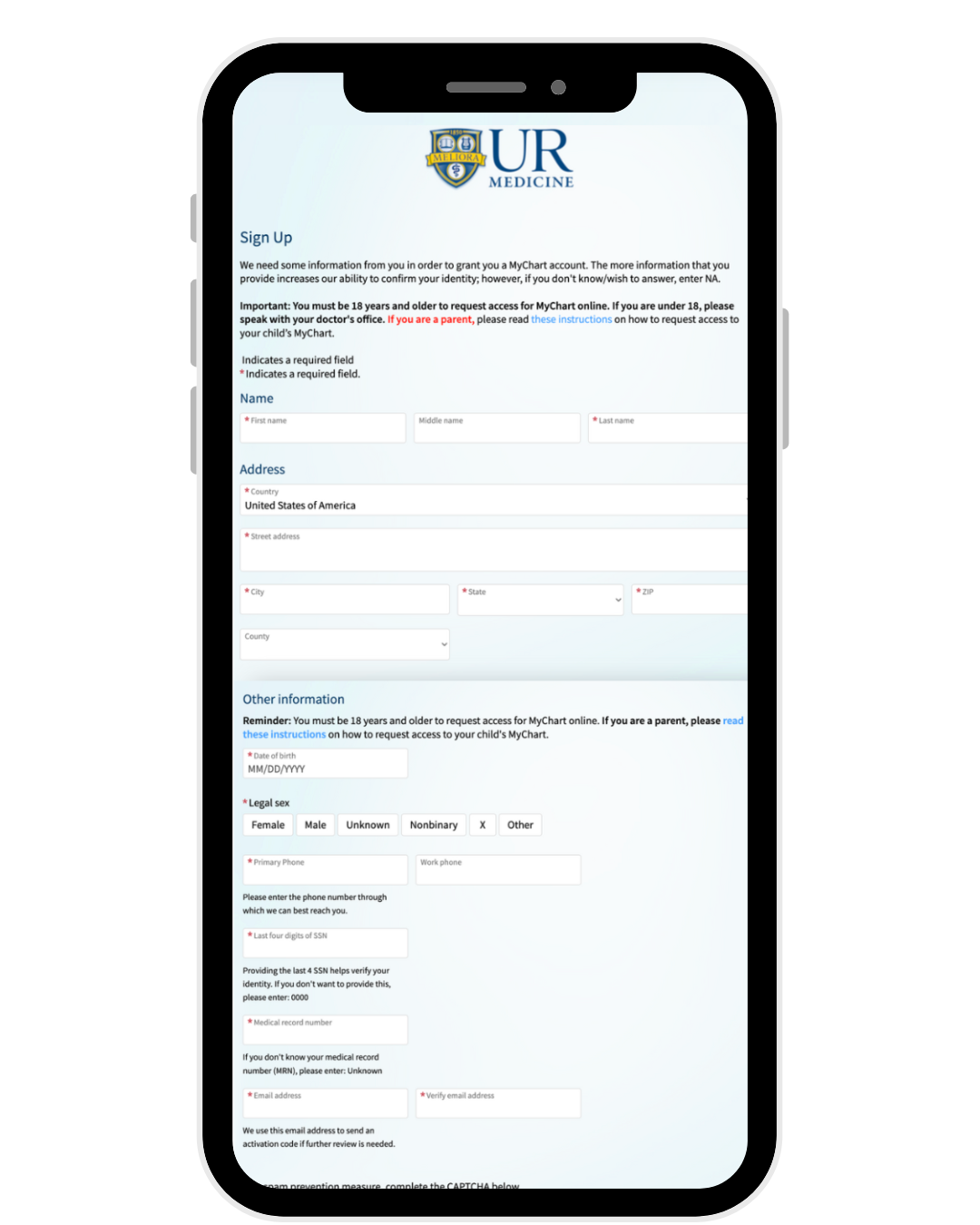
Your request will be reviewed, and you'll receive a reply through MyChart (usually within one week, but up to 14 business days). Once access is approved, your child’s name will appear as a tab in your account.
Proxy Access for Children
Because health privacy rules change as kids get older, the type of access you have depends on your child’s age:
- Parents/legal guardians receive full access.
- A week before your child’s 12th birthday, you’ll receive an email letting you know your access will switch to ‘limited.’
- Parents/legal guardians get limited access by default. You’ll be able to see allergies, immunizations, and letters.
- For you to get full access, your child must have their own MyChart account and approve your proxy request.
- Parents/legal guardians keep full access until age 18.
- After that, proxy access may be arranged through the child’s doctor’s office.
What You’ll Be Able to See in Your Child’s MyChart
Depending on the level of access, parents and guardians may be able to:
- Review allergies and immunizations
- See test results
- Send and receive messages from care teams
- Manage appointments
- Review visit notes (if granted full access)
Why Proxy Access Matters
Having access to your child’s MyChart helps you:
- Stay up to date on vaccines, especially for school or sports
- Track important health milestones
- Communicate quickly with your child’s doctors
- Manage medications, lab results, or health concerns without extra phone calls
It’s one more way that MyChart helps families stay connected to their healthcare team.
MyChart & My Child: Frequently Asked Questions
Can both parents have MyChart access for a child?
Yes. Both parents (or legal guardians) can request proxy access. Each parent must have their own MyChart account and submit a Proxy Access Request Form individually. Once access is approved, the child’s chart will appear in both accounts.What if I don’t have a MyChart account yet?
You’ll need to create your own MyChart account first before requesting access to your child’s chart. You can sign up online or ask your child’s provider’s office for an activation code. Once your account is active, you can then request proxy access.When does my access change?
Full access is available until your child turns 12. At that point, privacy rules change and your access automatically shifts to limited access the day before their 12th birthday.Download the MyChart App
You can easily access your MyChart without needing a computer. Download the MyChart app today.
Connect with us!